
Same Day Publish for Dealer Social Media Templates With Photofy and 200 Posts
The fastest way to post dealership-ready social content is to use a template-enabled platform or a dealer-specific Canva bundle. Photofy offers both, with pre-built dealer templates and the scheduling tools to publish them at scale. Most bundles arrive as Canva files, PSD/AI source files, or platform-native templates, so you can pick the format your team already knows.
TL;DR:
- A 100 to 325+ template pack supports diverse content needs for multi-location dealerships posting daily across multiple platforms.
- Customizing templates is quick once a brand kit is established, with most posts ready in five minutes or less per image.
- Platform subscription models that include ongoing updates and analytics save time and ensure brand consistency across every store.
- Batch exporting and scheduling integrations significantly reduce manual work and help maintain a consistent posting rhythm.
- Prioritizing a well-developed brand kit and a systematic workflow yields better results than simply increasing template count.
Table of Contents
- What’s Actually Inside a Dealer Social Media Templates Bundle?
- How Do You Customize Templates Without a Designer?
- What’s the Right Posting Mix for Dealer Content?
- Why a Template Platform Beats One-Off Downloads for Dealerships
- How Do Scheduling Tools Fit Into a Dealer’s Workflow?
- What Does Effective Dealer Template Use Look Like in Practice?
- What Should Dealers Actually Prioritize First?
- Getting Started With Photofy for Your Dealership
- Sources
What’s Actually Inside a Dealer Social Media Templates Bundle?
Bundle size tells you a lot about who it’s built for. A 50-template pack usually covers a single lot posting a few times a week. Packs in the 100 to 325+ range, like the 200-post dealership bundle sold on marketplaces, are built for dealerships running daily content across multiple platforms or juggling more than one location.
The asset mix matters more than the raw count. A well-built bundle covers the full sales cycle, not just inventory shots:
- Inventory spotlight cards for new arrivals and price drops
- Feature callouts highlighting trims, tech packages, or fuel economy
- Customer handover and delivery-day graphics for social proof
- Service department promos (oil changes, tire rotations, seasonal specials)
- Story-format templates sized for Instagram and Facebook Stories
Before buying, check three things: whether files are Canva-linked or require Photoshop, whether the license allows commercial dealer use across multiple accounts, and whether exports come pre-sized in PNG or need manual resizing. Some kits, like automotive PSD and AI template sets, include editable smart objects that let you swap a vehicle photo without touching layers or masks.
The other decision is downloadable bundle versus platform template library. A bundle is a fixed set you own outright. A platform library, the kind built into a tool like Photofy, updates continuously, and adds new seasonal designs without another purchase. If your team posts inventory changes daily, a living library saves more time over a year than any static pack.
How Do You Customize Templates Without a Designer?
Branding a template shouldn’t take longer than writing the caption. Here’s the workflow that gets a dealership from blank template to published post the same day:
- Replace the vehicle photo. Drop in your inventory shot, cropped to match the template’s existing frame.
- Update the headline and price. Keep it to five or six words. “2026 Silverado, $2,000 Off” outperforms a full paragraph.
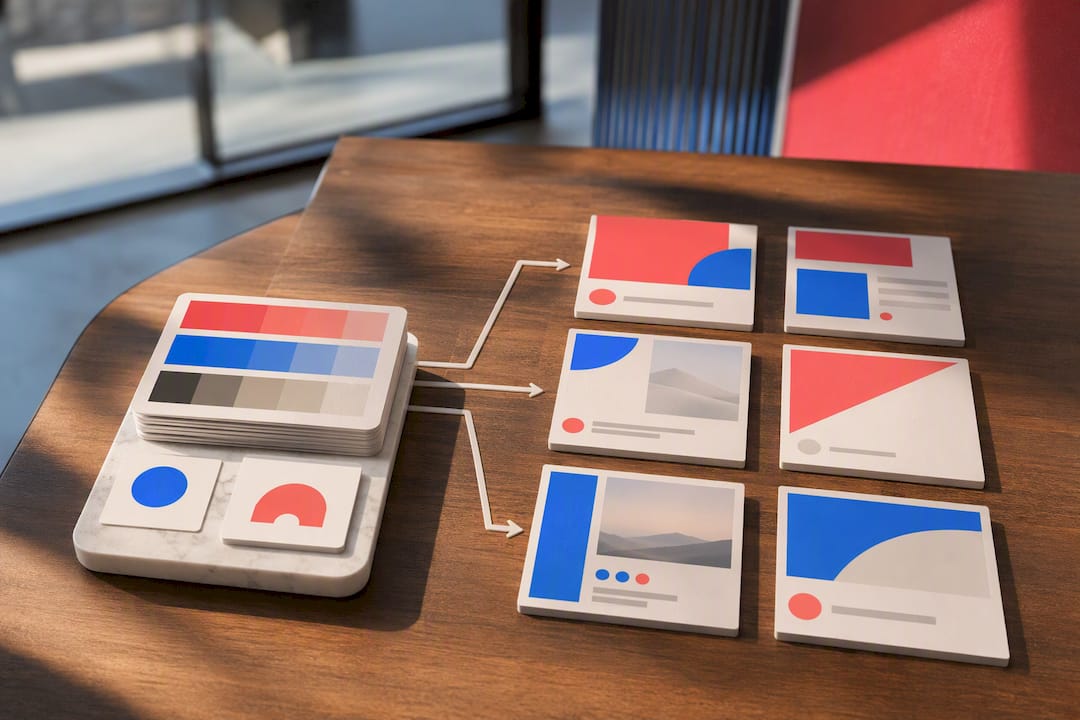
- Apply your brand kit. Lock in your dealership’s colors, logo, and font once, then reuse it across every future template.
- Check mobile safe zones. Confirm your price and CTA text sit inside the visible area once Instagram or Facebook crops the image.
- Batch export. Generate all sizes, square, portrait, story, at once instead of resizing each manually.
A single post takes about five minutes once your brand kit is set up. A larger batch of posts for the month can take an hour or more if you’re using Canva’s brand kit feature or Photoshop smart objects to swap images in bulk rather than editing each file from scratch.
Pro Tip: Build your brand kit before you touch a single template. Every minute spent locking colors and fonts up front saves five minutes of inconsistent edits later, and it keeps your paid ad creative visually matched to your organic posts.
What’s the Right Posting Mix for Dealer Content?
A dealership feed that’s 100% inventory photos reads like a used-car lot flyer.
Platform priority should follow where attention actually goes. Vertical video and Reels-style formats now get the most design attention heading into 2026, with industry trend coverage pointing toward accessible, multi-size templates that adapt automatically across square feed posts, Stories, and Reels without manual rework.
Captions need a job to do. Pair each template type with a specific call to action:
- Inventory post: “Tap the link to schedule your test drive today.”
- Service promo: “Book your oil change before the holiday rush.”
- Handover photo: “Congratulations to the Martinez family on their new Tahoe!”
Watch three numbers weekly: engagement rate, link clicks, and lead form completions. That’s enough to spot which template style is actually driving showroom traffic. A simple Monday reporting habit, reviewing last week’s top three posts, keeps the content calendar honest instead of guessing which format works.
Why a Template Platform Beats One-Off Downloads for Dealerships
A downloaded bundle solves this month’s posting problem. A platform solves the recurring one. Photofy’s approach pairs pre-built dealership templates with multi-size exports, scheduling, analytics, and white-label controls for dealer groups managing more than one location.
The real cost of a one-off template pack isn’t the purchase price. It’s the hours spent re-exporting sizes, hunting for the brand kit file from three months ago, and manually tracking which posts actually drove leads.
Jon, who works on dealer-focused content strategy for Photofy, points to content calendar and reporting resources as the difference between posting randomly and running an actual program. A calendar template plus a reporting guide turns scattered posts into a measurable habit.
The practical outcome: dealerships publishing from a platform get consistent brand colors across every location, faster turnaround on seasonal promotions, and clearer visibility into which templates convert. Manual template editing gets you posts. A platform gets you a system.
How Do Scheduling Tools Fit Into a Dealer’s Workflow?
Templates only solve half the problem. Getting them published at the right time, on the right platform, without someone manually uploading each file, is the other half. This is where integration between your template source and a scheduling tool actually pays off.
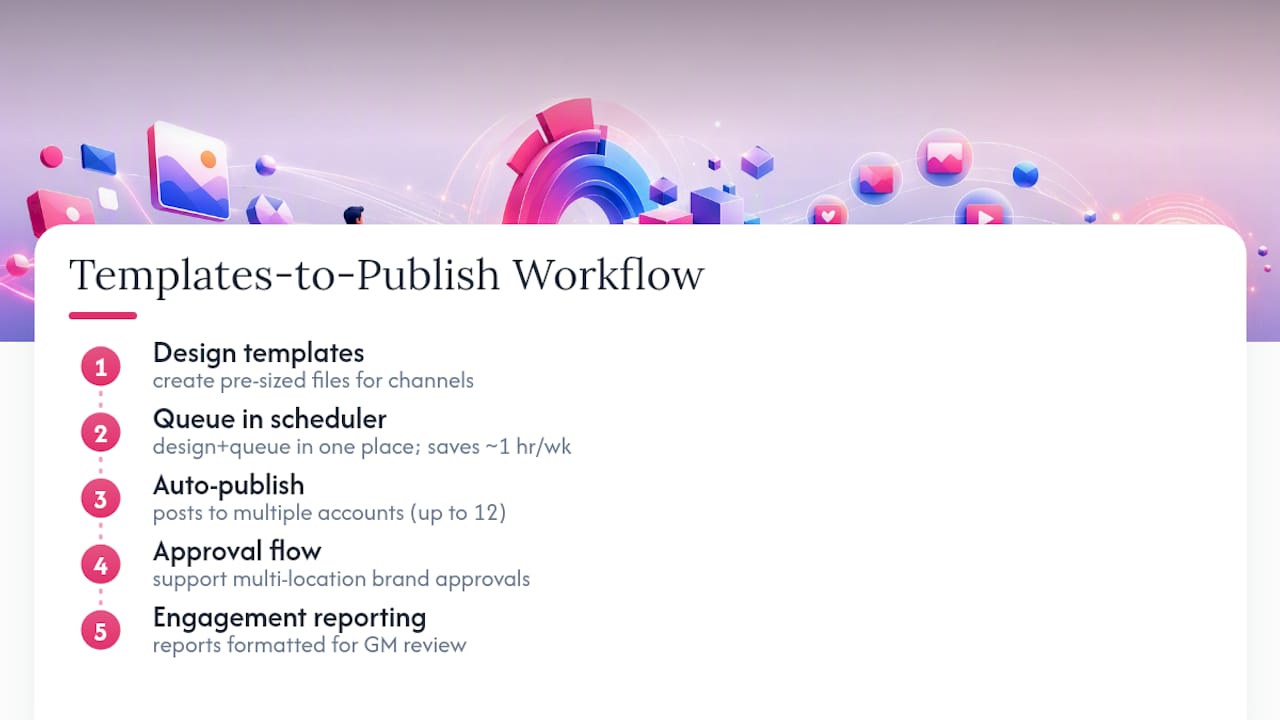
A platform like Photofy that combines templates with built-in scheduling removes a full step from the workflow: design, then queue, all in one place, instead of designing in one tool and uploading manually in another. For a single-location dealership posting five times a week, that might save an hour. For a multi-location group posting across a dozen social accounts, it’s the difference between a marketing coordinator managing the calendar and a marketing coordinator drowning in it.
If you’re evaluating which platform to prioritize for paid spend versus organic scheduling, it helps to understand how each social network handles ad formats before locking in your template sizes. A template built for organic Instagram feed posts isn’t always the right dimension for a paid Facebook carousel ad.
The practical checklist for evaluating any scheduling integration: does it support bulk upload of pre-sized templates, does it allow approval workflows for multi-location brand control, and does it report engagement back in a format your GM actually reads. Skip any tool that makes you export from one system just to import into another.
What Does Effective Dealer Template Use Look Like in Practice?
The dealerships that get the most out of template bundles treat them as a starting system, not a one-time purchase. A common pattern: a single-location dealer buys a 100 to 200-post bundle, builds a brand kit once, and assigns one staff member to batch-produce two weeks of content in a single afternoon using the numbered workflow above.
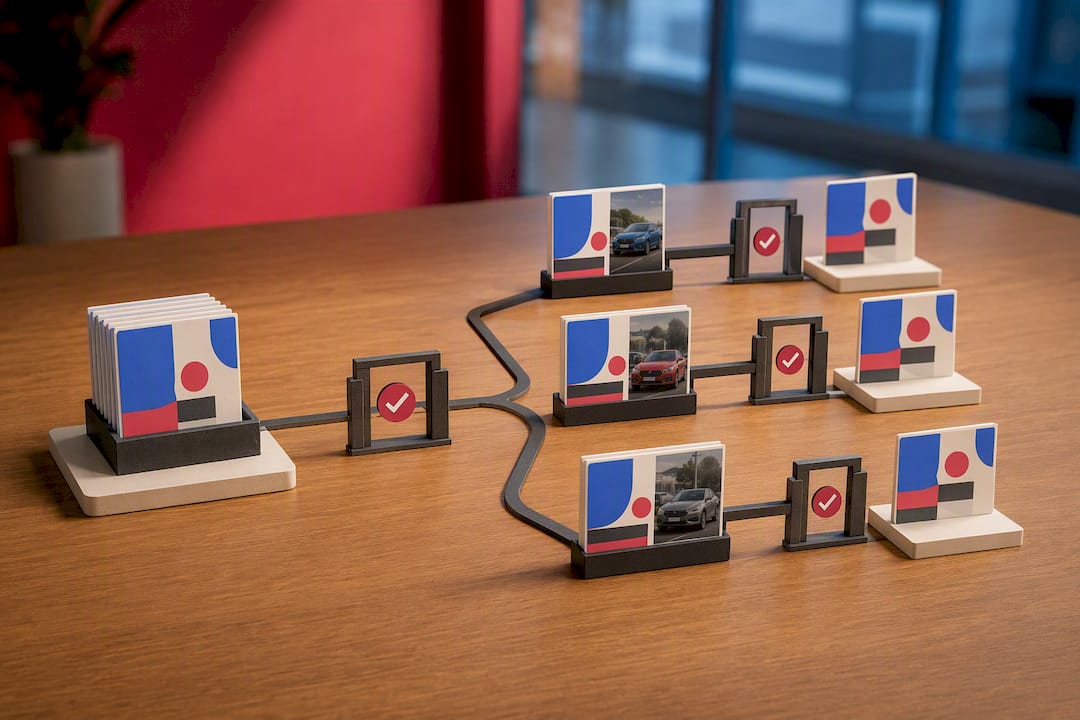
Multi-location dealer groups tend to use platform libraries rather than static bundles, since white-label controls let a corporate marketing team push approved templates to every store while still allowing local managers to swap in their own inventory photos. That structure keeps every location’s Instagram feed recognizably on-brand without a designer reviewing every single post.
The pattern that shows up across successful dealer campaigns is consistency of posting cadence paired with variety of content type. A feed that alternates inventory, service promos, and handover photos on a fixed schedule tends to outperform one that posts inventory shots sporadically whenever someone remembers. The templates matter less than the discipline of using the same five or six formats on repeat, which is exactly what a real estate vertical using the same content calendar approach demonstrates in a different industry with the same underlying mechanics.
What Should Dealers Actually Prioritize First?
The conventional advice treats templates as the whole solution: buy a pack, swap some photos, done. That undersells the real bottleneck, which isn’t design, it’s governance. A 200-post bundle without a locked brand kit produces 200 inconsistent posts just as easily as 200 on-brand ones.
If you’re a single-location dealer posting a few times a week, buy a bundle. The upfront cost is lower and you own the files outright. If you’re running multiple lots, franchises, or a dealer group with separate social accounts per location, a platform earns its subscription cost within the first month, mostly through avoided resizing errors and consistent brand enforcement across every store.
Prioritize the brand kit before the template count. A dealership with 50 well-branded templates and a fixed weekly posting rhythm will outperform one with 300 templates and no system behind them. Templates are the easy part. The workflow is what actually determines whether your feed looks like one dealership or five different ones pretending to be related.
— Jon
Getting Started With Photofy for Your Dealership
Photofy’s free tier works well if you’re testing the waters with a single account and want to see how the template library and brand kit tools feel before committing. Small, single-location dealerships typically fit a standard paid plan, while multi-location groups and franchises should look at enterprise-level plans built for white-label rollout across multiple stores.

Before you start, gather four things: your logo files in high resolution, a folder of current inventory photos, your official brand colors in hex codes, and three or four sample captions that sound like your dealership’s voice. That prep turns your first session into actual published posts instead of a settings walkthrough.
If you manage more than one location and need every store’s feed to stay on-brand without a corporate approval bottleneck, request a white-label demo to see how distributed teams handle template access. For everyone else, Photofy’s main platform is the fastest next step: create an account, load your brand kit, and publish your first templated post the same afternoon.